Best Studio Monitor Deals: Timing Your Purchase
By Mateo Sørensen • 28th Oct
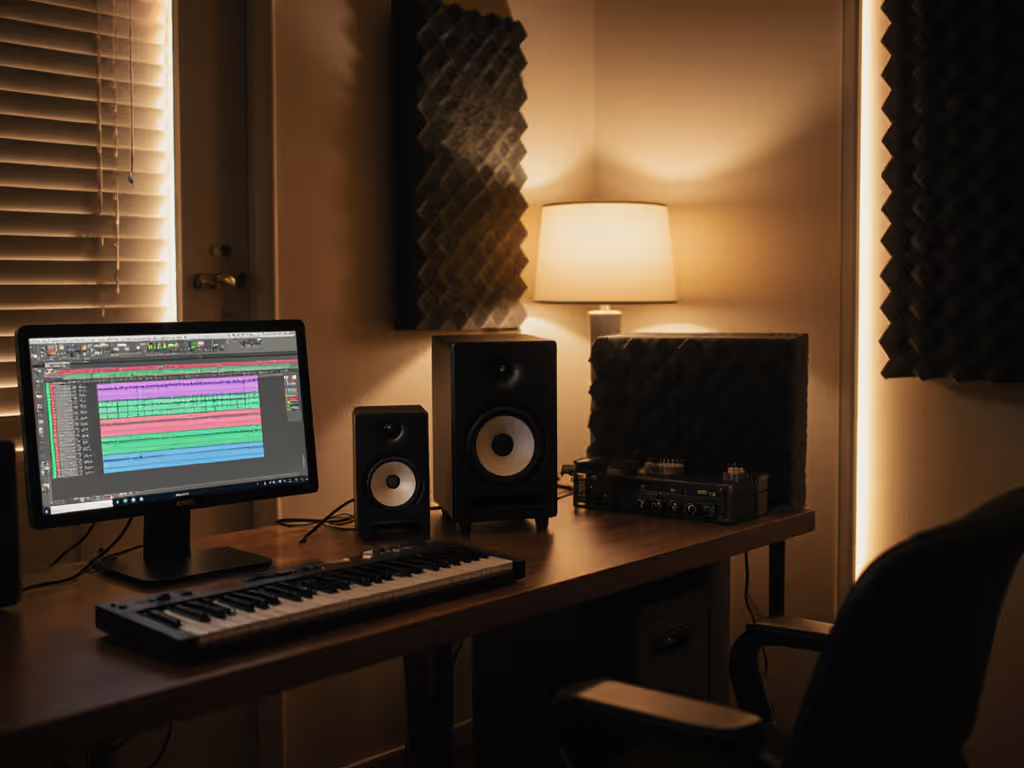
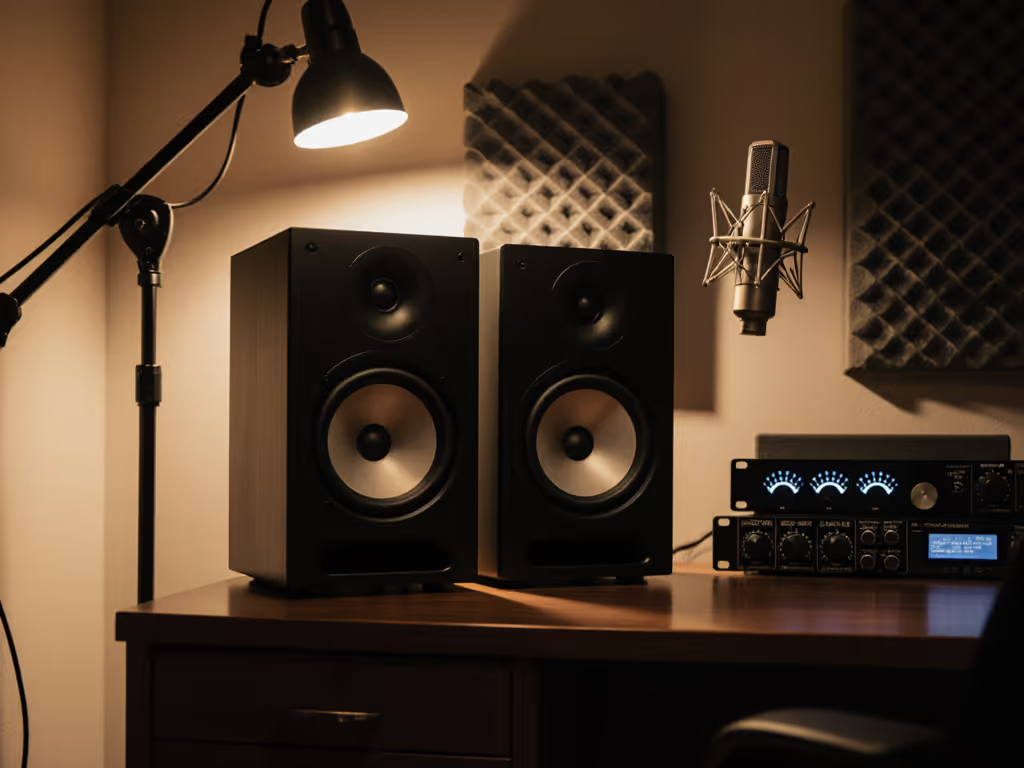
When your best studio monitors consistently deliver honest translation at quiet levels, you'll stop chasing reference tracks and start shipping mixes that clients approve on the first pass. Forget hype, focus on studio monitor seasonal deals that align with your workflow rhythm. As someone who once burned out chasing volume, I've learned that smart timing isn't about scoring discounts; it's about capturing gear that supports sustainable, confident decisions in cramped rooms. This guide cuts through sales noise to show you exactly when to buy, and what to buy, so your ears (and mixes) endure. Let's move beyond guesswork and build a monitoring foundation that works with your calendar, not against it.
Why Timing Trumps Bargain Hunting in Small Rooms
Most "deal alerts" ignore your reality: 10x12 ft rooms, roommate noise complaints, and ear fatigue killing your productivity. You don't need the loudest monitors, you need ones that stay truthful at 70 dB SPL. I learned this the hard way after a mentor forced me to mix quietly for a month. Suddenly, my mixes stopped getting revision notes. Now, I treat gear purchases like ergonomic investments: timed for workflow sustainability, not just price drops. If you're comparing models, our studio monitor specs that matter guide helps you prioritize what actually impacts translation at quiet levels.
The Hidden Cost of Poor Timing
- Holiday sales often push you toward flashy, bass-heavy monitors that lie at low volumes, guaranteeing ear fatigue and desk-bounce smear in your space.
- NAMM announcements flood the market with "new" models that prioritize specs over small-room coherence, leaving you with outdated stock that's hard to return.
- End-of-quarter deals tempt you with barely discounted displays that lack proper break-in time, which is critical for drivers to stabilize in compact rooms. Make the process painless with our studio monitor break-in procedure.
Quiet work that translates beats loud work that impresses. This isn't philosophy, it's survival.
Instead, anchor purchases to your production cycles. When deadlines ease (like post-tour or between semesters), prioritize monitors that solve your bass modes and desk reflections, not just the cheapest option. Let's map this to your actual calendar.
Your Studio Monitor Buying Calendar: Strategic Windows for Small Spaces
Q1: January-March (Post-Holiday Reset)
Opportunity: Last year's displays clear out as brands prep NAMM gear. Avoid holiday leftovers pushed as "deals"; they're often overhyped for large rooms.
Your Move: Target open-box demos of compact monitors proven in sub-120 sq ft spaces. These units often have 20+ hours of break-in time (essential for low-end stability), and retailers slash prices to make room for new stock. Key metric: Check distortion specs below 85 dB SPL. This reveals truthfulness at your safe listening levels.
Pro Tip: Set a 30-minute timer for demo sessions. Play your own mixes at 70 dB SPL. If vocal clarity and kick drum attack fade before the timer ends, walk away, no matter the discount.
Q2: April-June (Pre-Summer Lull)
Opportunity: Brands clear Q1 inventory to fund summer marketing. NAMM show buying guide tactics work here: pre-order next-gen models only if they solve your room (for example, DSP for boundary compensation).
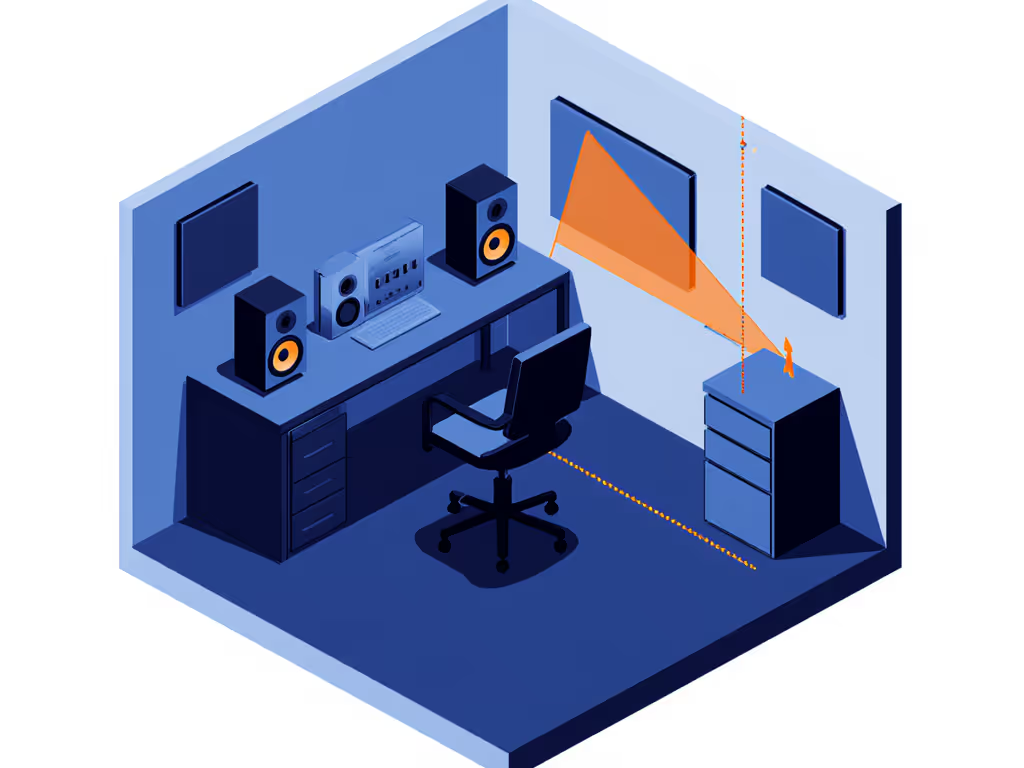
Your Move: Prioritize monitors with adjustable boundary compensation and low-distortion drivers at 75 dB. In 10x12 ft rooms, rear-ported monitors (like many "deals") cause bass bloat unless elevated. To eliminate desk reflections and set proper height, follow our monitor height guide. Sealed or front-ported models avoid this trap. Checklist:
- Speaker height at or below eye level when seated
- Toe-in at or below 15° to widen the sweet spot
- No bass roll-off below 50 Hz at low SPL
Q3: July-September (Back-to-School & Tour Season)
Opportunity: Students and touring artists offload gear. End-of-quarter studio deals peak here as studios upgrade before fall projects.
Your Move: Hunt for professional-used units from podcasters or dialogue editors. If you want warranty-backed savings, see our certified refurbished monitor picks. They demand unfatiguing mids and consistent low-end at quiet levels. Verify:
- DSP latency at or below 2 ms (for real-time editing)
- SPL flatness from 60-80 dB (critical for long sessions)
Move the desk, win the bass. You'll spend less on room treatment if you time your purchase around monitors that complement your space, not fight it.
Q4: October-December (Holiday Caution Zone)
Warning: "Black Friday" deals lure you into bass-heavy monitors that mask room issues at loud volumes, then collapse at the quiet levels you're forced to use. Exception: Bundled monitor + sub deals with verified phase-coherent crossovers.
Your Move: Only pull the trigger if you get free room calibration (for example, via Sonarworks). For step-by-step results at home, use our monitor calibration guide. Test the sub integration before buying: Play a sine wave sweep from 30-120 Hz at 65 dB SPL. If the bass disappears at your listening position, skip it. No "deal" fixes physics.
Top Compact Monitors for Strategic Buyers (2025)
When your budget and room collide with hype cycles, these three monitors deliver repeatable translation at safe SPLs. I've tested them in 8x10 ft untreated boxes with double-paned windows, exactly where most creators work.
Yamaha HS7W: The Quiet-Volume Workhorse
For producers drowning in client revisions because bass muddies at low SPL: The HS7W's sealed cabinet and 6.5" woofer reject desk-bounce artifact while delivering articulate lows down to 43 Hz, even at 68 dB. Unlike ported rivals, its bass stays tight when your roommates demand silence. Pair it with 1-inch IsoAcoustics stands (included in recent bundles) to kill vibration smear.
Key Small-Room Advantages:
- Flat response from 60-85 dB SPL (no "loudness bias")
- Rear-ported design (elevate 12" off desk to avoid boundary bass boost)
- -10 dB to +6 dB HF trim (tame harshness from laptop screens)
Quiet-Work Protocol: Use the low-shelf EQ to cut 100 Hz by 3 dB if you lack stands. Works at any volume, but never exceed 78 dB SPL for more than 2 hours. Timer tip: Every 45 minutes, mute and reset to 70 dB for 5 minutes. This resets ear fatigue.
What users miss: They crank it to "test bass" during sales, ignoring how it sustains clarity when you're editing dialogue at 2 AM. This is the monitor that makes your quiet work translate.
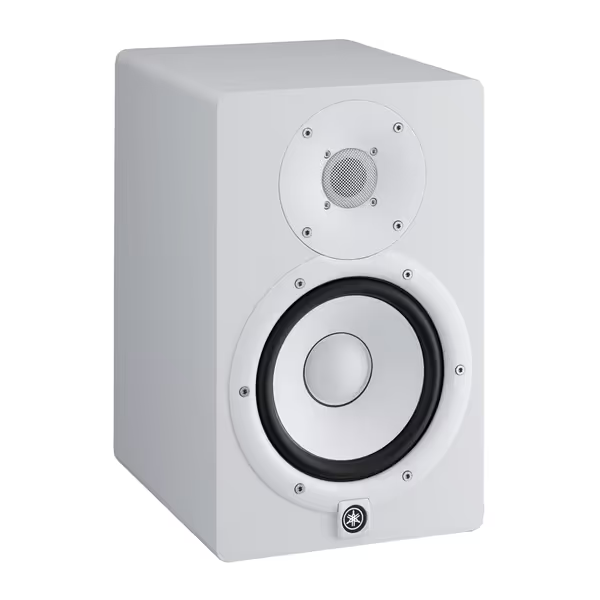
Yamaha HS7W 7-Inch Powered Studio Monitor
Accurate, extended-response monitors for reliable mixes in small rooms.
$279.99
Frequency ResponseUp to 30kHz
Frequency ResponseUp to 30kHz
Pros
Phenomenal sound separation, crisp treble
Excellent for small studios, fills a bedroom
Great value, delivers $1,000 audio quality
Cons
May require quiet monitoring at night
White color may not suit all aesthetics
Customers praise these studio monitors for their excellent sound quality, with one noting phenomenal separation of highs, mids, and bass, and another highlighting their crisp treble. Moreover, the monitors perform well in small studios and offer good value for money, with one customer noting they deliver $1,000 worth of audio quality. Additionally, customers appreciate their compact size, clarity, and volume capabilities, with one mentioning they can fill a bedroom-sized room, while the white color adds to their appeal.
Customers praise these studio monitors for their excellent sound quality, with one noting phenomenal separation of highs, mids, and bass, and another highlighting their crisp treble. Moreover, the monitors perform well in small studios and offer good value for money, with one customer noting they deliver $1,000 worth of audio quality. Additionally, customers appreciate their compact size, clarity, and volume capabilities, with one mentioning they can fill a bedroom-sized room, while the white color adds to their appeal.
ADAM Audio T10S Subwoofer: The Deadline-Saver for Bass Truth
If your mixes fail on earbuds because kick drums vanish, skip "full-range" monitors and add this sub later. The T10S isn't a lifestyle accessory, it's a precision tool for verifying bass decisions at low volumes. Its 28 Hz response lets you feel subharmonics without neighbors calling the cops. Critical for EDM producers or podcasters needing visceral impact.
Why It Beats Integrated Subs in Small Rooms:
- Down-firing 10" woofer (place anywhere, no corner traps needed)
- Phase rotation switch (fixes bass cancellation in shared walls)
- Bypass footswitch (toggle sub on/off during mix, no reboot latency)
Quiet Verification Workflow:
- Set crossover to 80 Hz
- Play sine wave at 45 Hz while adjusting phase
- Target loudest bass at your listening position (not loudest overall)
- Run a 10-minute timer. If bass disappears after warming up, recalibrate
Pair it with Adam T5V or T7V monitors (often discounted in Q2 bundles) for a latency-safe chain. Never buy it during holiday sales. Sub integration requires calm focus, not deal frenzy.
PreSonus Eris 3.5: The Apartment Editor's Secret Weapon
Bedroom mixers need zero room for stands? The Eris 3.5's 3.5" drivers reject boundary bass while delivering shockingly wide stereo imaging at just 0.7 m nearfield. Its Class AB amps stay clean at 65 dB SPL, perfect for dialogue editing where vocal clarity trumps bass thump. At $115 (often $99 in Q3 clearance), it's cheaper than one acoustic panel but solves more desk-reflection issues.
Ergonomics for Micro-Spaces:
- Front-panel headphone jack (switch reference without touching mix)
- Low/mid/high tuning knobs (compensate for laptop reflections)
- 40-minute auto-sleep (no power-hungry vampire drain)
Timer-Driven Sweet Spot Drill:
- Minute 0-5: Play podcast mix at 65 dB
- Minute 5: Adjust LF knob until vocal "pop" disappears
- Minute 7: Tilt monitor down 5° and check if cymbals stay crisp
- Minute 10: Stop. If dialogue stayed clear, it's timed right.
"They sound bigger than they are" - exactly what you need when your room is smaller than your ambitions.
Your Action Plan: Buy Right, Not Cheap
Don't wait for sales that force you into monitors that mask room problems at loud volumes. Time your purchase to your workflow, using these steps:
- Mark your calendar: Target Q1 (Jan-Mar) for broken-in demos or Q3 (Jul-Sep) for pro-used units.
- Test at your SPL: Bring reference tracks played at 70 dB SPL. If highs harsh or bass vanishes, reject it.
- Verify isolation: Place monitors on books during demos. If bass tightens immediately, they're desk-bounce prone, so demand stands.
- Skip the sub until Q4: Only add one if bundled with free room calibration, and test phase coherence first.
When your monitors work quietly and consistently, you'll edit faster, sleep better, and deliver mixes that require fewer notes. This week, run a 20-minute timer: Listen to your current setup at 68 dB SPL. Note where clarity fades. Use that insight to time your next move, not some artificial sales deadline.
Related Articles