How to Read Group Delay: Master Timing Accuracy
By Jae Min Park • 2nd May
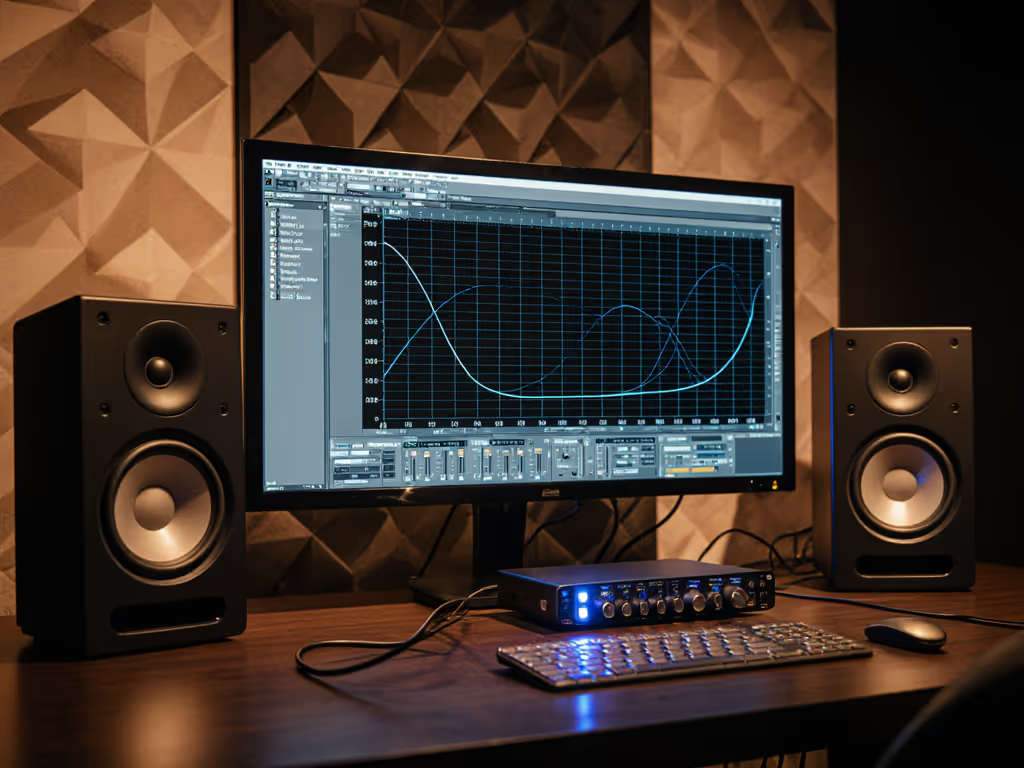
When you're comparing studio monitor group delay specs, you're really asking: "How honest are these speakers about when each frequency arrives at my ear?" Group delay measures the time it takes different frequencies to travel through your monitor, and time-domain accuracy measurement is just another way of saying your speakers preserve the original pulse and transient timing of what you're mixing. This isn't abstract theory (it's the difference between mixes that hold together on your car's system and ones that collapse into mud).
I learned this the hard way watching engineering students. They'd upgrade to "flat-response" monitors, check a mix at home, then discover the low end sounded completely different in the car. The problem wasn't the monitors' frequency balance alone; it was timing smear. Their kick attack was arriving a few milliseconds late relative to the snare, or vice versa. No amount of EQ tweaking can fix that in the mix. Once we dialed in speaker placement and understood what we were actually hearing, everything shifted. That day sold me on timing awareness over chasing pretty spec sheets.
Why Timing Matters More Than You Think
Your ear isn't just sensitive to which frequencies are loud, it is exquisitely tuned to when they arrive. When frequencies don't line up in time, transients blur, stereo imaging collapses, and your bass/kick relationship falls apart. This is the importance of phase coherence in action.
Here's the practical truth: if your monitor has bad group delay, you'll hear it as:
- Kick attacks that feel sluggish or disconnected from the body
- Snare that loses snap at certain mix levels
- Bass notes that seem to arrive after the rest of the music
- Imaging that shifts if you move your head a few inches
- Low-end that feels "behind" when you A-B against a car or earbud
All of these are timing problems, not frequency problems. If you're hearing image shift when you move your head, review our off-axis response comparison to understand why dispersion consistency matters.
What Group Delay Actually Measures
Group delay is the negative slope of the phase curve at different frequencies. In simpler terms: it's how fast the phase is changing across the frequency spectrum, expressed as milliseconds. If the phase curve is completely flat (perfectly linear), group delay is constant. Real monitors deviate from that ideal, creating ripples in the group delay trace.
Think of it like this: imagine twenty thousand tiny runners, each representing a frequency band in the audible spectrum. They all start at the same time (your input signal) but take slightly different routes through your speaker (different phase shifts). Group delay tells you how much longer it takes each runner to cross the finish line (reach your ear). If some runners arrive much later than others, the arrival pattern, not just the speed of the pack, changes. That's when timing distortion happens.
In audio, group delay is measured in milliseconds (ms). Here's what "good" looks like:
- 1 kHz and above: less than 2 ms is excellent
- 200 Hz-1 kHz: less than 4 ms is acceptable
- Below 200 Hz: expect 30-40 ms (low-frequency modes in small rooms naturally cause this)
Reading a Group Delay Graph: Step by Step
Step 1: Understand the Axes
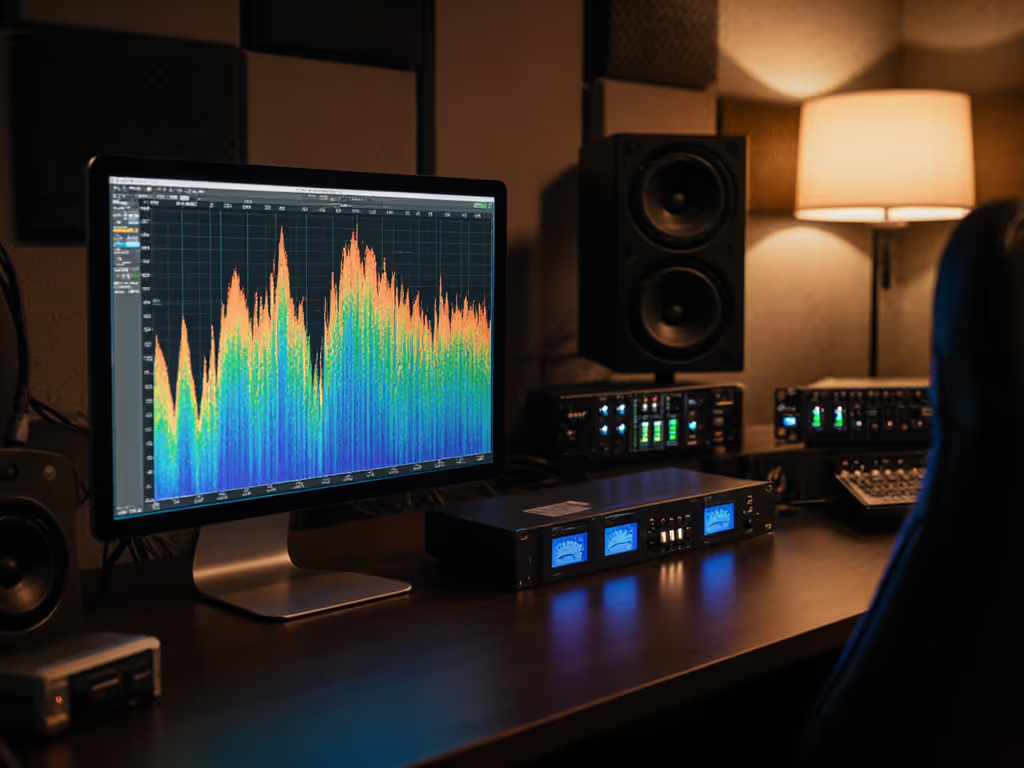
A group delay trace plots time (in milliseconds, on the vertical axis) against frequency (in Hz, on the horizontal axis). The trace itself is a line that wobbles up and down as frequency increases. If the line is completely flat, group delay is constant across all frequencies (ideal but rare in real speakers).
Step 2: Look for Severe Peaks
Small ripples (±0.5 ms) are normal and usually inaudible. But spikes that shoot up to 2-3 ms or more, especially in the midrange (500 Hz-2 kHz), indicate timing distortion. These peaks often happen around resonances (where the speaker's cabinet or port is vibrating strongly). Those peaks are where your vocals and snare clarity get smeared.
Step 3: Pay Attention to the Regions That Matter Most
Don't obsess over extreme lows (below 100 Hz in small rooms will always be messy due to boundary modes). Focus on:
- 100 Hz-300 Hz: Where kick-and-bass separation lives. Ripples here blur the attack.
- 500 Hz-4 kHz: The vocal and snare sweet spot. Consistency here is crucial for mix translation.
- 5 kHz-10 kHz: Presence and clarity. Spikes here cause harshness or make cymbals sound artificial.
Step 4: Check the Linearity of the Low-Frequency Trend
Bass frequencies often show a gradual rise in group delay as frequency drops. This is often modal behavior in small rooms (not a speaker flaw). But if the rise is extreme (jumping 5-10 ms from 200 Hz to 60 Hz), you're likely fighting room modes, not monitoring issues.
Connecting Group Delay to Monitoring Practice
Transient timing accuracy isn't just a number on a graph; it's why your mix sounds coherent when you press play. When speakers preserve timing, your brain glues the kick, snare, and bass together as a unit. When timing is smeared, your ear has to work harder to make sense of the rhythm.
This is where placement wins again. I've watched countless students move their monitors away from the desk edge and hear an immediate improvement in image clarity and punch. Why? Because desk reflections add delayed copies of the sound, layering extra group delay on top of the direct signal. Moving speakers just a few inches (or adding isolation pads like tennis balls underneath) reduces those reflections and cleans up the timing picture.
Why Small-Room Monitoring Demands Timing Awareness
In a small bedroom or apartment, you're inevitably close to your monitors (0.7-1.2 m). At that nearfield distance, you're hearing the direct sound before room reflections arrive, which is good for timing isolation. But it also means any group delay in the monitor becomes more obvious because you're not masked by the diffuse field of a larger space.
If you use bass management or a subwoofer, timing between the monitor and sub matters enormously. Learn how to leverage monitor DSP for crossover alignment and phase tuning so the sub and mains hit together. A misaligned crossover or phase setting introduces group delay that's (additive), your low end becomes a mush of delayed versions rather than a tight blend. This is why checking a sub integration at the listening position is non-negotiable.
A Simple Checklist for Evaluating Group Delay Specs
When you're reading monitor reviews or spec sheets:
- Ask: Is group delay measured at what aperture (measurement window)? Wider windows show smoother traces but hide detail; narrow windows reveal ripple but are noisier.
- Check: Does the graph show group delay in the midrange? That's where it matters most.
- Listen: Does the monitor's pulse response measurement (if provided) show a clean envelope, or does the tail ring and decay slowly? Ringing = bad timing.
- Compare: Look for consistency across frequency, not perfection. A trace that stays within ±1 ms is transparent; anything tighter is a bonus.
- Trust your ears: If the monitor sounds slow or sluggish on transients, group delay is probably the culprit, and no EQ fix will help.
Set It Right Once; Spend Your Energy Finishing Songs
The reason I focus on timing over specs is simple: phase coherence is where your confidence comes from. When your monitor preserves the original timing of your mix, you stop second-guessing whether the kick is really sitting right. You trust your ears because the monitor is honest.
Start small. Don't hunt for the "flattest" monitor spec sheet. Instead, find a monitor that's forgiving, has low group delay ripple in the vocal and snare regions, and position it away from boundaries. Those two moves (honest timing and proper placement) have done more for my students' mixes than any mic, interface, or plugin ever will. The songs got finished faster. The revisions shrank. Confidence followed.
Further Exploration
Now that you understand what group delay represents, the next step is group delay interpretation applied to your own room. If you have access to a measurement mic and software (REW, for example, is free), take a trace of your current monitors at your listening position. For a walkthrough on capturing and interpreting these measurements, follow our step-by-step calibration guide. Look at that midrange region. Does it stay flat, or are there spikes? Those spikes are roadblocks between you and mix clarity.
More importantly, move your monitors one inch closer to the backrest, then another inch away. Measure again. Watch how group delay changes with placement. That's not theory; that's your room talking. Listen while you measure, and you'll develop an ear for timing that no spec sheet can teach. When you hear the difference that placement makes, you'll never chase hype specs again.
Related Articles