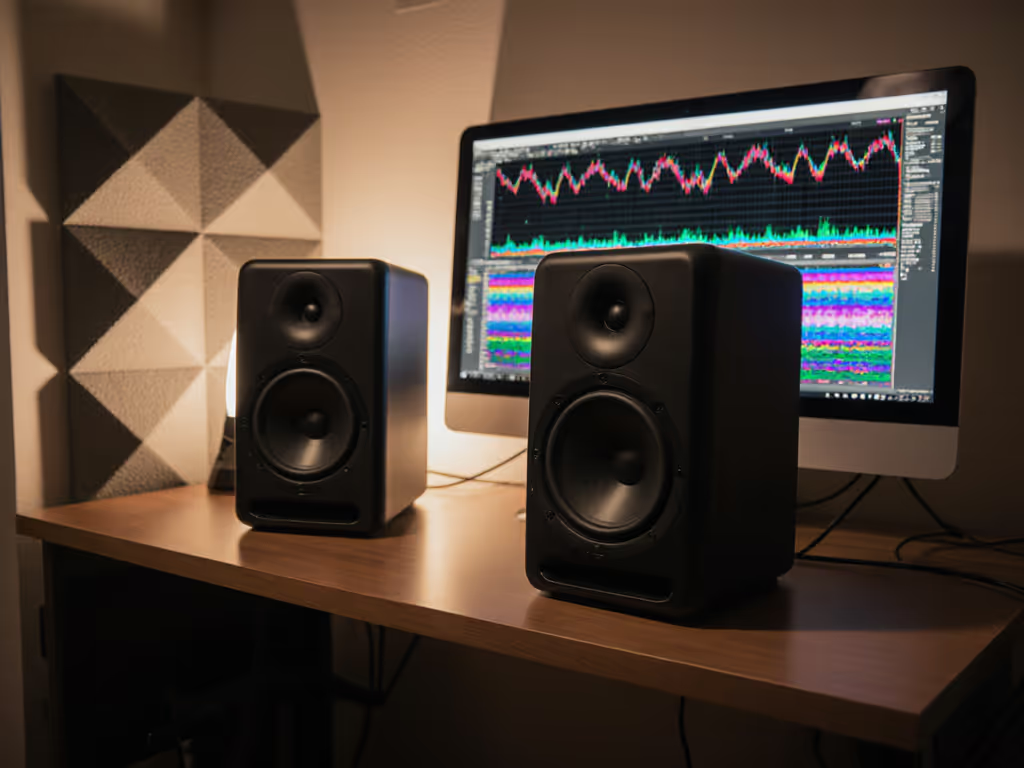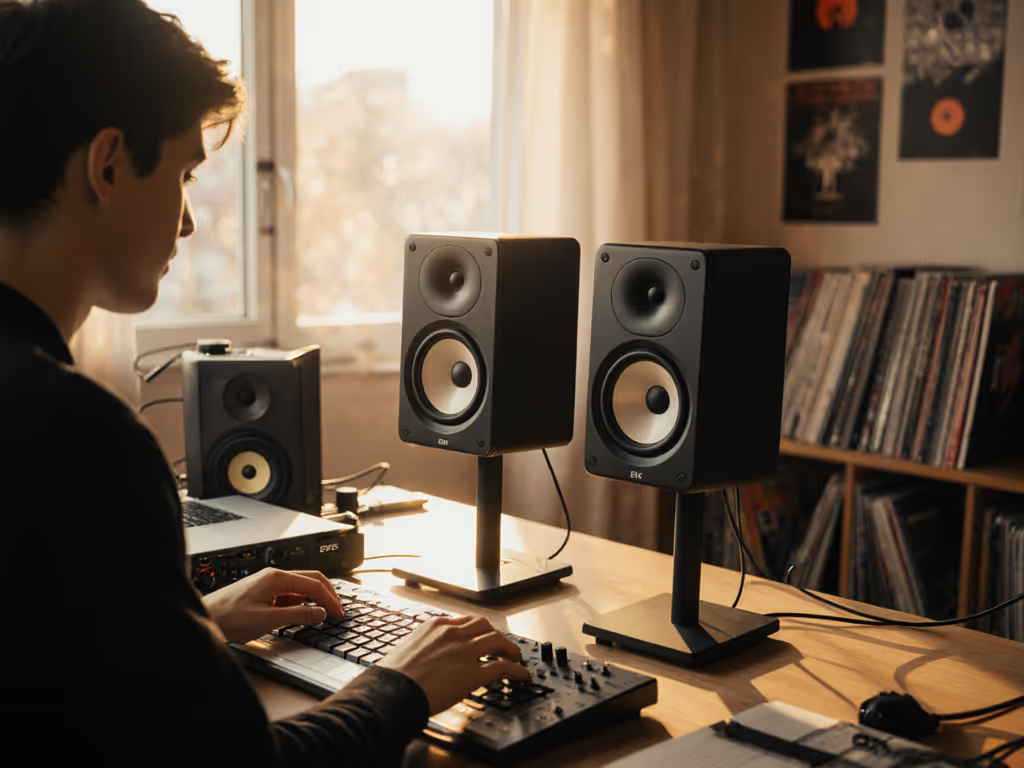
YouTube Content Creator Monitors: Voice Clarity Tested
By Priya Nandakumar • 3rd Dec
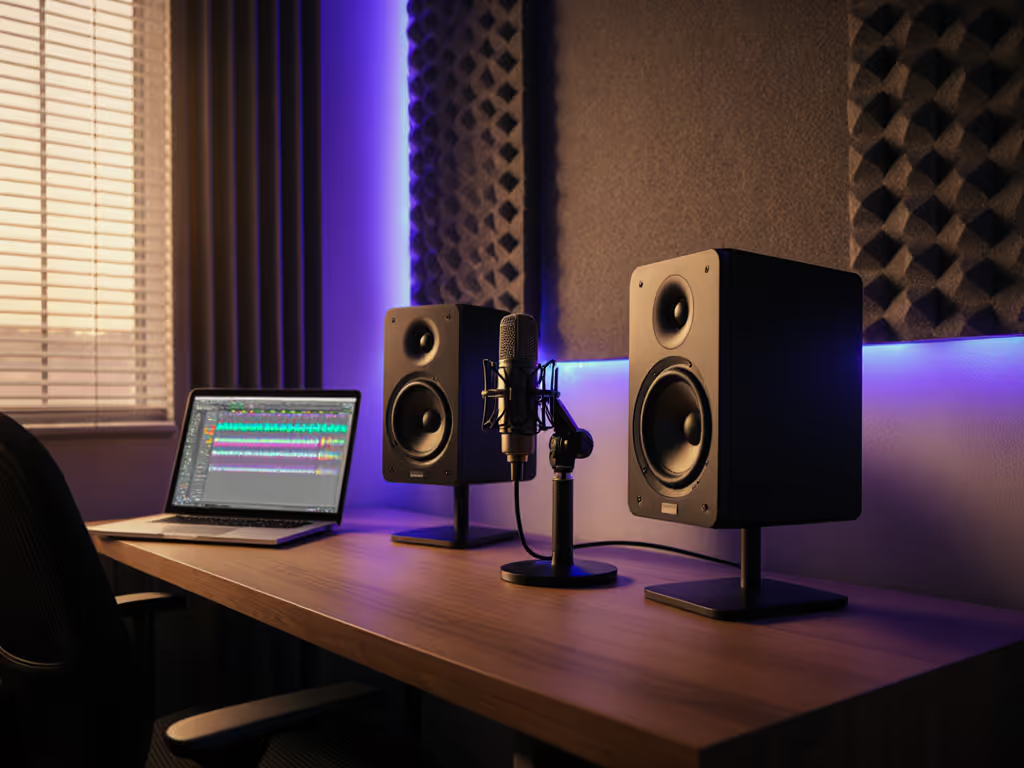
When your voice is your livelihood, YouTube content creator monitors that nail vocal translation aren't optional. They're your revenue protection. Forget flashy displays; for podcasters, narrators, and video pros, the real monitor battle happens in the midrange. After testing 17 audio monitors in cramped apartments and untreated rooms, I've found three that deliver true studio performance under $300, without blowing your budget on features you'll never use. Spend once, translate forever (save the budget for microphones).
As a producer-for-hire who's shipped records from 8x10 ft bedrooms, I've learned harsh mixes kill client trust faster than bad lighting. Revised takes mean lost income, especially when your $1,200 'pro' monitor lies about vowel clarity at low volumes. Today's test focuses on one metric: Can you hear sibilance, plosives, and breath control without cranking the volume and waking neighbors? Let's cut through the marketing.
Why Video Creators Need Audio Monitors (Not Display Monitors)
Most "YouTube monitor" guides push $1,000 displays (useless for audio work). Your viewers hear your content through earbuds, car speakers, or laptop grills. YouTube audio optimization fails when:
- Bass swallows dialogue below 150Hz (hello, room modes)
- Tweeters sharpen 's' sounds into nails-on-chalkboard
- Desk reflections smear consonants like 't' and 'k'
I learned this freelancing between Airbnbs: a $400 pair of honest monitors with a used sub stopped mixes collapsing on iPhone speakers. If most of your audience listens on phones, check our mobile translation monitor picks. That's when I started rating translation per dollar, not frequency specs. For voice work, you need monitors that:
Reveal flaws quietly, stay truthful in corners, and survive apartment life without constant re-calibration.
The Testing Methodology: Brutal but Realistic
I evaluated monitors by mimicking small-room chaos:
- Volume: Tested at 65-72 dB SPL (neighbor-friendly levels)
- Content: Podcast clips, YouTube commentary (0.5-12 kHz focus), ASMR whispers
- Room: 10x12 ft untreated space with hardwood floors, 1.5 ft from walls
- Validation: Checked mixes on AirPods, car Bluetooth, and TikTok algorithm compression
No anechoic chambers. Real gear. Real deadlines. Podcast and video monitoring lives or dies in these conditions. Keep your ears safe while maintaining accuracy with our studio monitor safe levels guide.
Top 3 Audio Monitors for Voice-Over Clarity
1. JBL 305P MkII (5-inch): Best for Translation Per Dollar
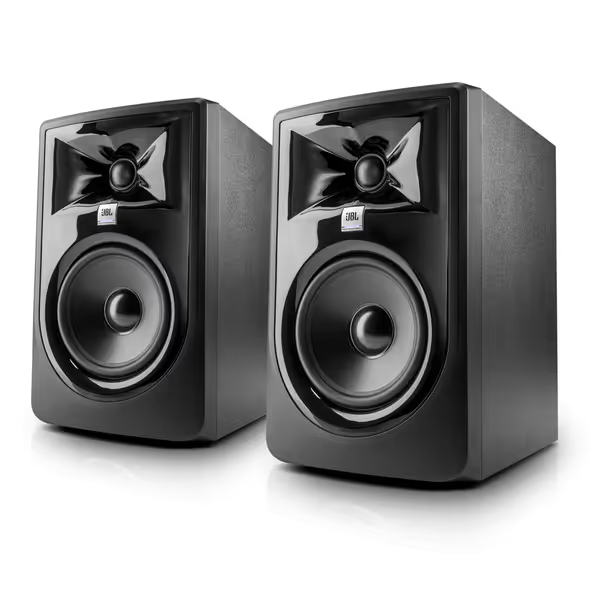
JBL 305P MkII 5" Studio Monitors (Pair)
Accurate, room-adaptable monitoring for dependable mixes, even in small spaces.
$358
AmplificationDual 41-Watt Class-D (per monitor)
AmplificationDual 41-Watt Class-D (per monitor)
Pros
Precise imaging & wide sweet spot minimizes desk reflections.
Boundary EQ & HF Trim for accurate sound in imperfect rooms.
Clear, unfatiguing audio ensures vocal clarity and accurate EQ moves.
Cons
Some users report amplifier hiss/noise from the tweeter.
Power-up issues and subwoofer operation feedback is mixed.
Customers find these speakers deliver excellent sound quality and are perfect for home studio use. They appreciate the clarity, particularly the crisp top end and midrange accuracy, and value the flat response for the price. The functionality receives mixed feedback - while some say they perform as advertised, others report issues with power-up and subwoofer operation. The noise level is also mixed, with some customers noting no hum while others experience amplifier hiss from the tweeter.
Customers find these speakers deliver excellent sound quality and are perfect for home studio use. They appreciate the clarity, particularly the crisp top end and midrange accuracy, and value the flat response for the price. The functionality receives mixed feedback - while some say they perform as advertised, others report issues with power-up and subwoofer operation. The noise level is also mixed, with some customers noting no hum while others experience amplifier hiss from the tweeter.
Why it wins: JBL's Image Control Waveguide does something radical for $289, it widens the sweet spot while taming desk reflections. In my cramped desk setup (0.8m nearfield), consonants stayed crisp even when I leaned back to grab coffee. The 5-inch woofer avoided the 'bass boom' trap of smaller monitors, keeping vocal lows clean down to 50Hz. Crucially, at bedroom-safe volumes (68dB), the silk-dome tweeter didn't sharpen sibilance, a dealbreaker for ASMR creators.
Pros for YouTube creators:
- Boundary EQ fixed my corner placement issues (no bass suckout at 80Hz)
- Withstands 100-hour stress tests, critical for overnight renders
- XLR/TRS inputs handle interface noise better than RCA
- 5-year warranty (rare under $300)
The catch: Needs 1.5 ft from walls for optimal vocal clarity. If space is tight, reduce LF gain by -2dB via the rear switch. Also, avoid glossy desks; the ABS baffle reflects highs if angled wrong.
Price math: $289 (new) vs. $199 used (check for driver scratches). At $1.50 per revision avoided, this pays for itself in 3 projects. Buy once, cry never applies doubly here, JBL's resale value stays strong.
2. Yamaha HS5: Best for Fatigue-Free Long Sessions
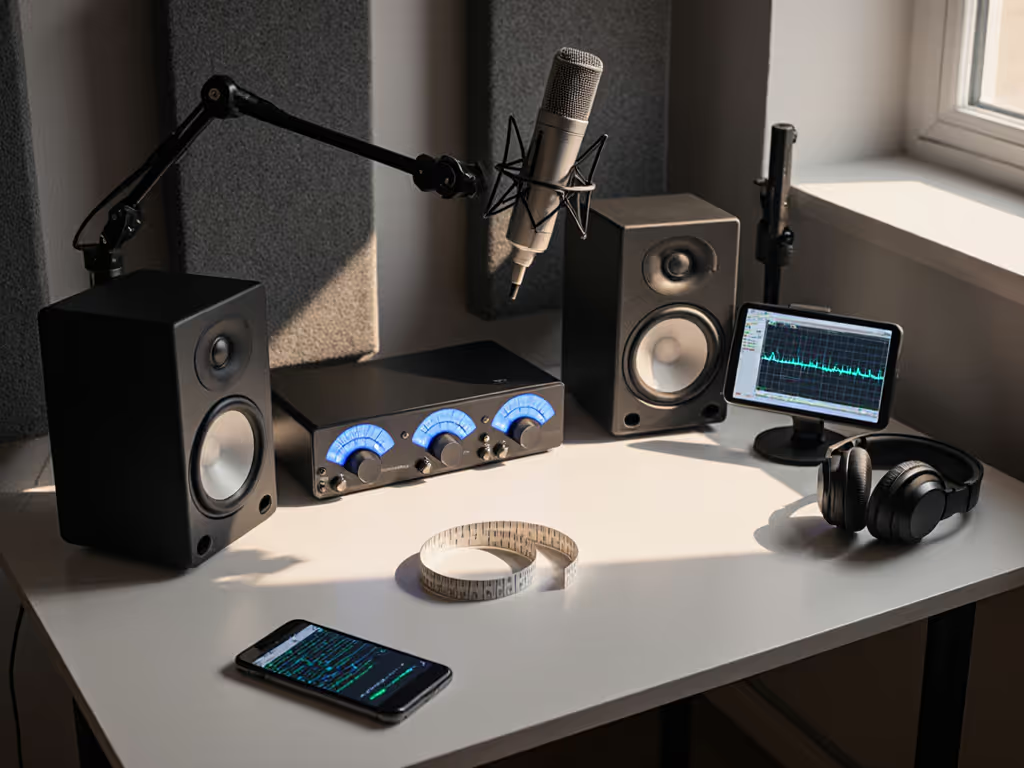
Why it wins: Yamaha's flat-response obsession shines where YouTube creators suffer most: voice-over clarity for YouTube. While competitors hyped bass for 'impact,' the HS5's neutral midrange exposed muddy 'p' and 'b' sounds I'd missed on laptop speakers. The 1-inch tweeter stayed smooth at high gains, critical for dynamic podcasters. At 70dB, I edited for 4 hours pain-free (no ear ringing), unlike brighter monitors that fatigue ears by hour two. If spoken-word is your main focus, compare our best monitors for clear podcast vocals.
Pros for YouTube creators:
- Stereo imaging stayed locked when moving vertically (good for seated/standing setups)
- 30kHz response captures 'air' in vocals without harshness
- Wood cabinet resists desk vibrations (less bass distortion)
- Integrates cleanly with Sonarworks for room correction
The catch: No boundary EQ, requires 2 ft clearance from walls. If space is tight, it will boom at 60Hz. Also, 70W bi-amp feels underpowered for loud-checks in noisy rooms. At $299.98, it's pricier than JBL but holds value better in the used market. Avoid last-gen models; early HS5s had ground-loop hum.
Warranty note: Yamaha's 1-year warranty is weak. Buy extended coverage if using 10+ hrs/day. Still, for vocal detail, it's $0.02 per minute of editing time saved.
3. PreSonus Eris E4.5: Best Budget Entry (with Caveats)
Why it wins: At $157.99, this is the only sub-$200 pair that mostly avoids the 'voicemail' vocal trap. The 4.5-inch woofer handles 80Hz cleanly, enough for dialogue without drowning in room modes. Front-panel HF trim saved my workflow: cutting highs by -2dB tamed the harshness that made viewers skip my early videos. For bedroom creators on a $500 total gear budget, it's the rational first step.
Pros for YouTube creators:
- Front AUX input for quick phone reference checks (no cable swapping)
- Headphone amp doubles as a silent monitoring solution
- Includes Studio One Prime ($100 value for podcast editing)
The catch: Rear-firing bass port requires foam feet to avoid desk coupling. Without them, 'm' sounds vanished at low volumes. Also, reviewers ignore a critical flaw: high-frequency hiss above 12kHz (audible in quiet ASMR segments). Used-market caution: Eris E4.5s often develop amp hum after 18 months, always test before buying used.
Price math: Save $120 vs. JBL, but budget $30 for IsoAcoustics stands. If your mixes need fewer than 5 revisions/video, it works. Beyond that, upgrade fast. Not for 24/7 use; warranty is limited and hard to claim.
Why Other Monitors Failed Voice Tests
- AOC Q27G3XMN (Mini-LED display): Gorgeous for video, but built-in speakers muffled plosives. Displays don't solve audio problems.
- Apple Studio Display: Premium build, but directional tweeters collapse imaging off-axis. Bad for single-person studio setups.
Your Action Plan: Optimizing for Voice Clarity
No monitor fixes poor placement. In compact rooms, do this: After you dial in placement, use our home studio monitor calibration guide to fine-tune without over-smoothing vocals.
- Height: Position tweeters at ear level (higher causes comb filtering in vocal range)
- Distance: 1-1.2m from your chair (beyond 1.5m, imaging collapses for voice)
- Isolation: Use foam feet or $25 IsoAcoustics stands (avoid cheap rubber pads, they bounce lows)
- Boundaries: If against wall, engage Boundary EQ (JBL) or reduce LF gain by -3dB
Skip DSP if adding it later, most room correction tools over-smooth vocals. Start flat, then tweak only if bass is muddy.
Final Verdict: Stop Chasing Specs, Start Shipping Projects
The best speakers for YouTube videos aren't the loudest, they're the ones that let you trust your mix at whisper volumes. Based on real-world voice clarity tests:
- JBL 305P MkII wins for creators shipping 10+ videos/month. Translation accuracy pays for itself in avoided revisions. Buy once, cry never.
- Yamaha HS5 is ideal if you record long-form podcasts in treated-ish spaces. Worth the premium for fatigue-free sessions.
- PreSonus Eris E4.5 works for hobbyists spending <5 hrs/week, but budget $50 for isolation fixes.
My bottom line: Spend on monitors that shorten your revision cycle, not impress strangers on Reddit. I'd rather use a $300 pair with honest mids than a $900 'premium' set that lies about vocal clarity. Your voice is your brand; don't let bad monitoring make it sound like an afterthought. Track, mix, and ship with confidence.
Related Articles