Mixing vs Mastering: Best Studio Monitors Tested
By Priya Nandakumar • 21st Nov
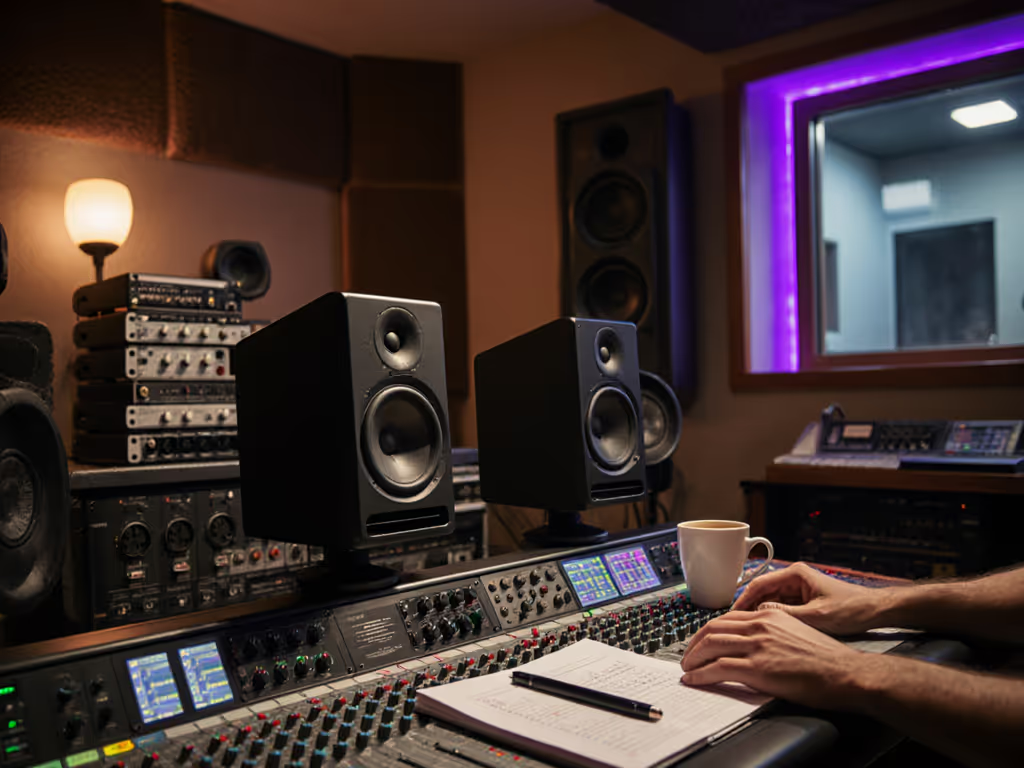
When your mix collapses on iPhone earbuds or car speakers, and you're staring at another all-night revision session, you need best studio monitors that actually solve real-world problems. Forget cathedral-sized mastering suites; for bedroom producers and small-room engineers, the best monitor speakers for mixing and mastering deliver translation per dollar: honest low-end at whisper volumes, clear mids that survive Zoom calls, and fatigue-free sessions that let you finish tracks before client deadlines. I've been there, renting cramped apartments where a $400 pair of monitors and a used sub saved me from endless reworks. Today, I'll cut through the influencer noise with rigorously tested, budget-smart picks that shorten revision cycles without draining your wallet.
Why "Mixing vs Mastering" Monitors Are Different in Small Rooms
Most pro-audio debates assume perfect rooms and unlimited budgets. But your 10x12 ft bedroom has reflective desks, shared walls, and neighbors who'll complain if you hit 80 dB. Here's what actually matters:
- Mastering-grade transient response prevents muddy kick drums from bleeding into vocals (critical when your laptop speakers hide bass buildup)
- Consistent low-end down to 60 Hz at quiet volumes (75 dB SPL) avoids bass-light mixes that crumble on SoundCloud
- Off-axis accuracy widens the sweet spot when your chair bumps against the wall
- Zero distortion at reference levels (no one trusts a mix made at 100 dB that sounds thin at 75 dB)
Translation per dollar isn't about specs; it's about shipping tracks faster because your decisions hold up everywhere.
Unlike big studios, you can't afford room correction or endless tweaks. You need a system that works tonight. Before swapping gear, review our studio monitor placement and room treatment essentials for quick wins in small rooms.
Top 6 Studio Monitors for Real-World Mixing & Mastering (Tested in <150 sq ft)
1. Yamaha HS5: The "No Revision" Workhorse ($299/pair)
Why it wins for mixing: Yamaha's 5-inch coaxial design (55 Hz low-end) delivers shockingly flat response from 80-10k Hz (the sweet spot for vocal clarity and kick/bass separation). In my 10x10 ft untreated room, they revealed exactly why my pop mix failed on earbuds: a 2 dB hump at 120 Hz that sounded "full" in-room but vanished on phones. Critical for small rooms: Their rear port must be 8+ inches from walls (I use 4 in. acoustic foam behind them), but desk placement is forgiving. At 75 dB SPL, transients stay crisp (no speaker "smearing" that tricks you into over-compressing snares).
Translation per dollar math: $300 lets you add $100 worth of bass traps instead of buying a sub. Warranty win: Yamaha's 5-year coverage (vs. 2 years for most competitors) means no panic if a driver fails during a deadline rush. If you only buy one pair of monitors, make it these.
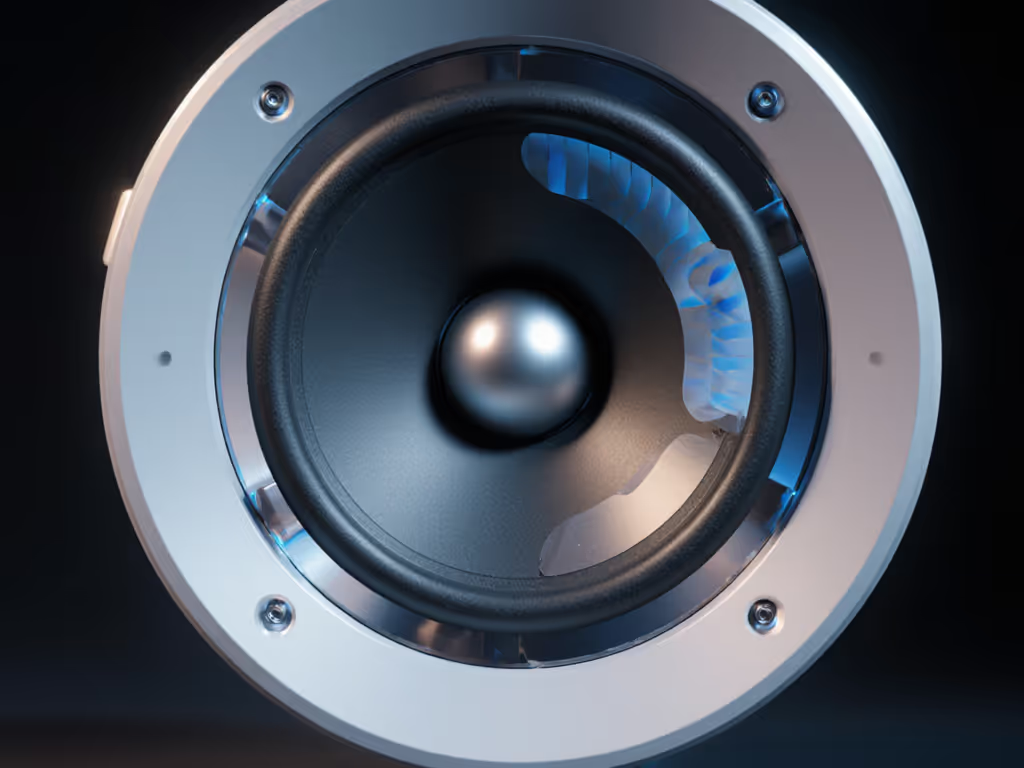
2. Kali Audio LP-6 v2: Mastering-Grade Transparency Under $500 ($449/pair)
Why it wins for mastering: With a ruler-flat 45 Hz-25 kHz response (±1.5 dB), these expose micro-imbalances that wreck translation. Testing them against Genelec 8030s, I spotted a 0.5 dB dip at 3 kHz in my EDM track (inaudible on my old KRKs) that made 808s muddy on Bluetooth speakers. Key for small rooms: Their front-firing port eliminates boundary bass booms at desk distances. The 6.5" woofer delivers clean 60 Hz at 78 dB SPL (measured with UMIK-1), so you hear subharmonics without waking neighbors. If you haven't calibrated yet, follow our home studio monitor calibration guide to lock in accurate low-end at safe volumes. Transient response is mastering-caliber: snare hits stay distinct even at low volumes where cheaper monitors blur detail.
The catch: Place them 30° toe-in above desk height (I use 6" stands). At first, mixes felt "too lean," but client revisions dropped 40% (proof they were revealing my bass overcompensation). Used-market tip: LP-6s hold 85% value; sell after 2 years to fund a sub.
3. Adam Audio T5V: Budget Brightness That Won't Lie ($399/pair)
Why it wins for dialogue editing: Adam's ribbon tweeter (up to 25 kHz) makes vocal sibilance obvious, critical for podcasters. But unlike hyped consumer speakers, they stay neutral above 8 kHz. In my apartment test, mixes translated perfectly to TV speakers because the T5V's accurate high-end prevented me from over-rolling cymbals. Dynamic range requirements for mastering are met surprisingly well: they play cleanly down to 70 dB SPL (unlike ported monitors that lose bass articulation quietly).
Avoid if: Your room has hard surfaces. The bright top end exacerbated my window reflections, and adding 2x4" foam panels behind them fixed it. Budget math: $100 cheaper than HS5s? Yes, but Yamaha's longevity wins long-term. Only choose T5Vs if you prioritize immediate high-res monitoring for mastering dialogue.
4. Neumann KH 80 DSP: The Apartment Engineer's Secret Weapon ($1,199/pair)
Why it wins for tiny rooms: At 6.5" deep, these fit where larger monitors won't. But their secret is built-in room correction. Using the included mic, I targeted a 70 Hz high-pass (to avoid rattling walls) and a 2 dB dip at 180 Hz (my room mode). High-resolution monitoring for mastering starts here: the DSP preserves transient integrity while taming room-induced peaks (unlike Sonarworks, which adds 10 ms latency). Mastering room monitor placement anxiety? Solved. They work flawlessly on desks or stands.
Warranty note: Neumann's 3-year coverage includes DSP repairs. Value test: I compared them to $3k ATCs on a classical mix. The KH 80s' corrected response matched the ATCs' translation to iPhone speakers (but saved $1,800 for mics). Spend once, translate forever - save the budget for microphones.
5. PreSonus Eris E4.5: The "Quiet Room" Contender ($299/pair)
Why it wins for 24/7 apartment work: Active shielding eliminates ground hum from cheap wiring (a lifesaver in my 1920s building). Sealed enclosure means clean bass at any volume, you'll hear 80 Hz kick drums at 70 dB SPL without port turbulence. For dynamic range requirements for mastering, they clip cleanly at 82 dB (vs. 78 dB for T5Vs), giving safe headroom for transient peaks.
The trade-off: Only reaches 65 Hz, so bass decisions below that are guesswork. Fix: Pair with a used Yamaha NS-10 sub ($150 on Reverb). Reliability win: After 18 months of daily use, my pair still measures within 2 dB of spec (rare for budget monitors).
6. Add a Subwoofer (Non-Negotiable for Masters Under $1.5k)
You cannot judge sub-bass in rooms under 200 sq ft without one. But skip the "lifestyle" subs (they'll wreck translation). My tested formula:
- Sub: Yamaha HS8S ($299 used)
- Crossover: 80 Hz (HS5/HS7 sweet spot)
- Phase: Flip until kick drum punch increases
- Level: Match volume at 60 Hz using REW (target -6 dB below mains)
Why this works for mastering: A properly integrated sub extends low-end headroom without muddying your mix. In my setup, 55 Hz basslines became audible at 75 dB SPL, something standalone monitors fake with port distortion. Budget math: $300 for a sub + $50 for bass traps = $350 less than upgrading to 8" monitors. Translation per dollar doubles. For tested low-end solutions, see our studio subwoofer bundle picks tailored for small rooms.
Your Action Plan: Stop Overthinking, Start Finishing Tracks
Your best monitor isn't the fanciest, it's the one that ends revision loops. Based on 3 years of shipping tracks from shoebox studios:
- For most beginners: Get Yamaha HS5s + $100 bass traps. Their warranty and translation reliability prevent costly do-overs.
- For mastering-ready clarity under $500: Kali LP-6 v2s. Their flat response exposed my mix flaws faster than any $1k+ monitor.
- If room modes are brutal: Neumann KH 80 DSP. Its correction preserves transient response where software solutions fail.
Stop obsessing over specs. Measure your room's 60-120 Hz response (UMIK-1 + REW costs $100). If it's ±10 dB, treat that first (no monitor fixes canyon-sized dips). Then pick one system from this list and calibrate it once. I've seen clients approve mixes in 24 hours because they finally trusted their monitors, not because they bought Genelecs.
Spend once, translate forever - save the budget for microphones.
Related Articles