Smart Speaker Monitoring for True Mix Translation
By Lila Okafor • 4th Apr
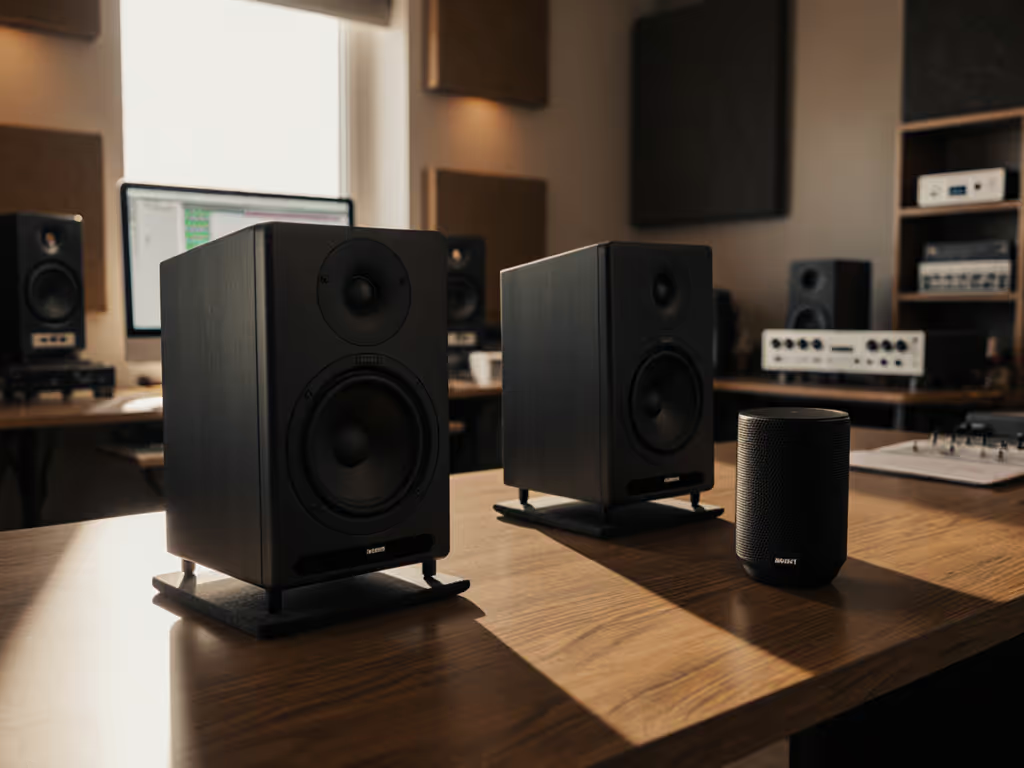
Understanding the Appeal, and the Limits
You've got a smart speaker sitting on your desk. It plays music clearly enough. So why not use it as a reference monitor for your mixes? It's tempting. It's there. But the question deserves a straight answer: smart speakers are not designed for mix translation work, and using one as your primary monitoring tool will almost certainly trap you in revision loops.
Before I explain why, let me be clear about what I'm measuring. When I talk about monitoring, I mean the ability to hear your mix accurately enough that decisions (EQ choices, compression settings, panning, level balancing) hold up on earbuds, laptops, cars, and club systems. That requires specific properties: stable on-axis response, controlled off-axis behavior, known distortion limits at your working level, and minimal phase anomalies. Smart speakers are built for voice clarity and casual listening. Mix translation isn't in their design spec.
FAQ: Smart Speakers, Monitoring, and What You're Actually Hearing
Can I use a smart speaker to monitor music or dialogue I'm creating?
Technically, yes, you can play audio through one. Practically, no, not as your primary or only reference. Here's why: smart speakers employ aggressive compression and tone-shaping tailored to voice and streaming content. They suppress low frequencies to reduce desk vibration and protect small drivers. They boost presence regions (2-4 kHz) to make voice intelligible in noisy kitchens. These moves are sensible for a kitchen or bathroom, but they mean your mix will sound artificially bright and bass-light on the speaker.
Let's say you're mixing dialogue. On a smart speaker, the vocal might sound clear and punchy. You pull back the presence EQ to compensate. Then you check on an earbud, and suddenly the dialogue is buried and dull. That's your smart speaker lying to you. Predictable off-axis wins, and honesty, require a monitor built for the job. If you're unsure which specs actually drive translation, start with our frequency response guide.
What does a smart speaker actually measure in terms of frequency response?
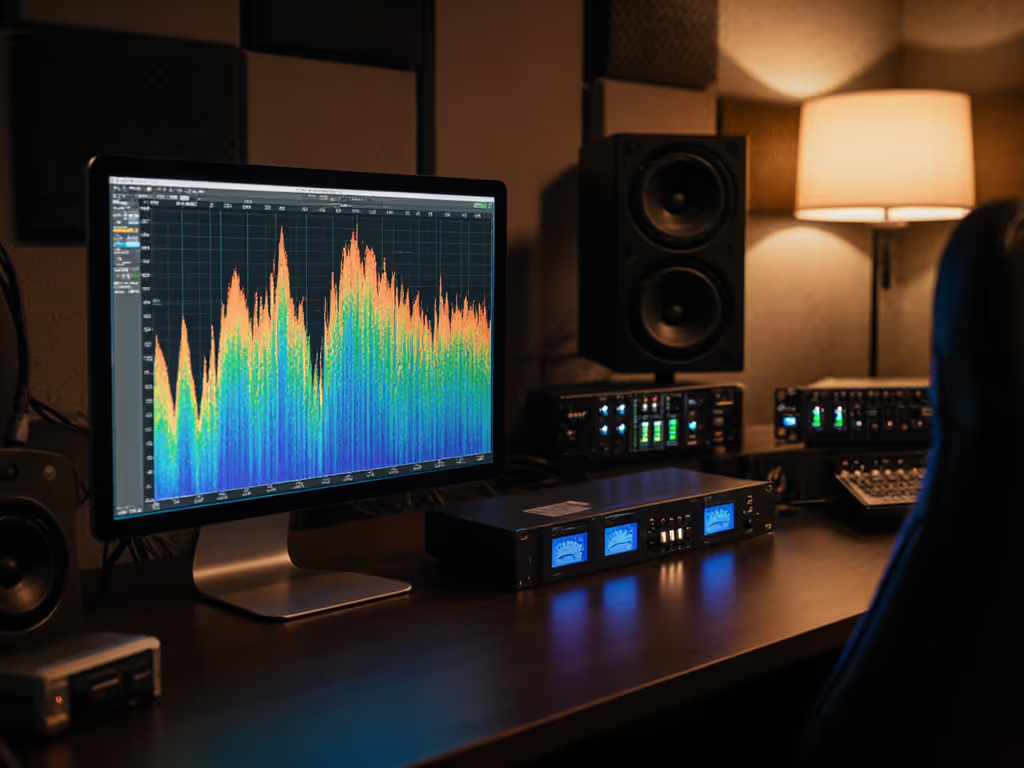
Consumer smart speakers typically deliver a presence peak centered around 2-5 kHz, rolled-off lows below 200 Hz (often down 6-12 dB at 50 Hz), and a treble rise above 8 kHz. The exact curve varies by model and firmware. Critically, these devices rarely publish flat response measurements or distortion data at different SPL levels. Without knowing the curve, you can't predict how your mix will translate.
By contrast, studio monitors come with published on-axis and off-axis response data (often in 15° increments), measured at 1 meter in anechoic conditions. You also get total harmonic distortion (THD) at reference level, bass rolloff frequencies, and port resonance data. That transparency is non-negotiable for translation work in compact rooms.
Do smart speakers suffer from the same small-room problems as studio monitors?
Yes, and no control. Small rooms create modal resonances (standing waves) that exaggerate certain frequencies and cancel others. In a typical 10×12 ft bedroom, you might see a +6 dB peak at 60 Hz and a deep null at 100 Hz, all courtesy of room geometry, not the speaker itself. A good nearfield monitor has controlled directivity and a smooth response curve, so the room's impact is predictable. You can measure it, apply DSP correction if needed, and trust the result. For practical steps on placement and basic treatment, see our room treatment essentials.
A smart speaker, with its vague response and undocumented off-axis behavior, offers no such predictability. The room will still wreck your low-end, but you won't know how or why, so you can't fix it.
What about using a smart speaker as a second opinion (a reality check alongside studio monitors)?
Now you're thinking more clearly. Many small-room mix engineers keep a cheap Bluetooth speaker, phone speaker, or yes, even a smart speaker in the room as a quick sanity check. The idea: if your mix sounds reasonable on the smart speaker after sounding good on your monitors, it might translate.
The caveat: this only works if you know the smart speaker's tonal character. You need to spend time (a week or two) comparing mixes you trust (professional releases) on both your monitors and the smart speaker. Hear the pattern. "My monitors are flatter; this speaker adds 3-4 dB in the presence peak." Once you've logged that bias, a quick check on the smart speaker might catch a glaring issue.
But here's the honest truth: this workflow is slower and less reliable than investing in a second proper nearfield monitor or a calibrated headphone setup. If you're considering adding a second reference, compare options in our multi-monitor setup guide. You're training your ear to compensate for an unreliable reference, not actually improving your monitoring chain.
What latency and phase issues come into play?
Many smart speakers introduce latency when processing audio (sometimes 50-200 milliseconds), depending on the device and whether DSP is active. That delay isn't usually a problem for playback listening, but it is a problem for precise work like dialogue editing or live recording monitoring. You speak into a mic, hear yourself back 100 ms later, and your performance gets worse.
Smart speakers also apply unknown DSP (compressors, EQs, limiters) that may introduce phase shift. Phase distortion is subtle but pernicious: it can collapse stereo imaging, make low-end feel amorphous, and make your mix sound different at different listening levels. Studio monitors with linear phase crossovers and minimal DSP (or transparent, documented DSP) avoid this trap.
For mix translation work, latency and phase stability matter. Choose monitors (or headphones) where both are engineered in from the start.
Can I use a smart speaker with audio correction software like Sonarworks?
Some correction software claims broad device support, but smart speakers are rarely on the compatibility list for serious production work. Even if you could load a correction preset, you'd be stacking DSP: the speaker's internal processing plus the correction software. For a proven approach on compatible gear, follow our Sonarworks calibration guide. The results are unpredictable and often make things worse.
In a small room, less DSP is usually better. A monitor with stable, documented directivity and a reasonably flat response curve requires minimal correction, sometimes just a low-shelf cut if your desk creates a bass bump, or a light high-shelf trim if the room adds presence. That's measurable and reversible.
What Your Small Room Actually Needs
Let me tell you a story that shaped my approach. A client loved their mixes on their smart speakers and a Bluetooth boombox. Great sparkle, engaging energy. But when we sat down with proper nearfield monitors, we discovered the mix was bass-light and thin. The client had been compensating for the speaker's inherent tonal signature, not mixing honestly. Once we calibrated the room (cut the desk height by 6 inches, adjusted toe-in to reduce first reflections, applied a lightweight low-frequency shelf) the same monitors revealed a different picture. The sparkle stayed, but now it was balanced. Revisions dropped by half. That's when I stopped hedging and committed to the principle: curves matter, but only as far as rooms allow.
For your setup, the real work isn't replacing your smart speaker. It's choosing monitors built for small rooms (typically 5-7 inches) with smooth off-axis response, minimal port chuff at low SPL, and clear frequency response data. Pair that with mindful placement (nearfield, 0.7-1.2 m away, at ear height, toed in slightly), add a measurement mic for a quick room check if budget allows, and validate your mixes on at least two other systems (earbuds, a car, a phone speaker).
The smart speaker isn't your enemy. It's just not your monitor. Treat it as one more sanity-check device in a broader translation toolkit, and you'll stop chasing phantom problems. That's the path to finishing faster and getting approvals right the first time.
Moving Forward
If you're serious about mix translation in a small room, the next step is honest measurement. Spend an afternoon recording your current smart speaker's on-axis response with a measurement mic, and compare it to published data for a proper nearfield monitor in the same size class. The difference will clarify why translation fails. Then, dial in a monitor suited to your room's size and your budget. Monitor placement and a basic room understanding beat fancy gear every time (especially in compact spaces where predictable off-axis wins).
Related Articles