Active Bass Management vs. Boundary EQ: Tested
By Jae Min Park • 6th May
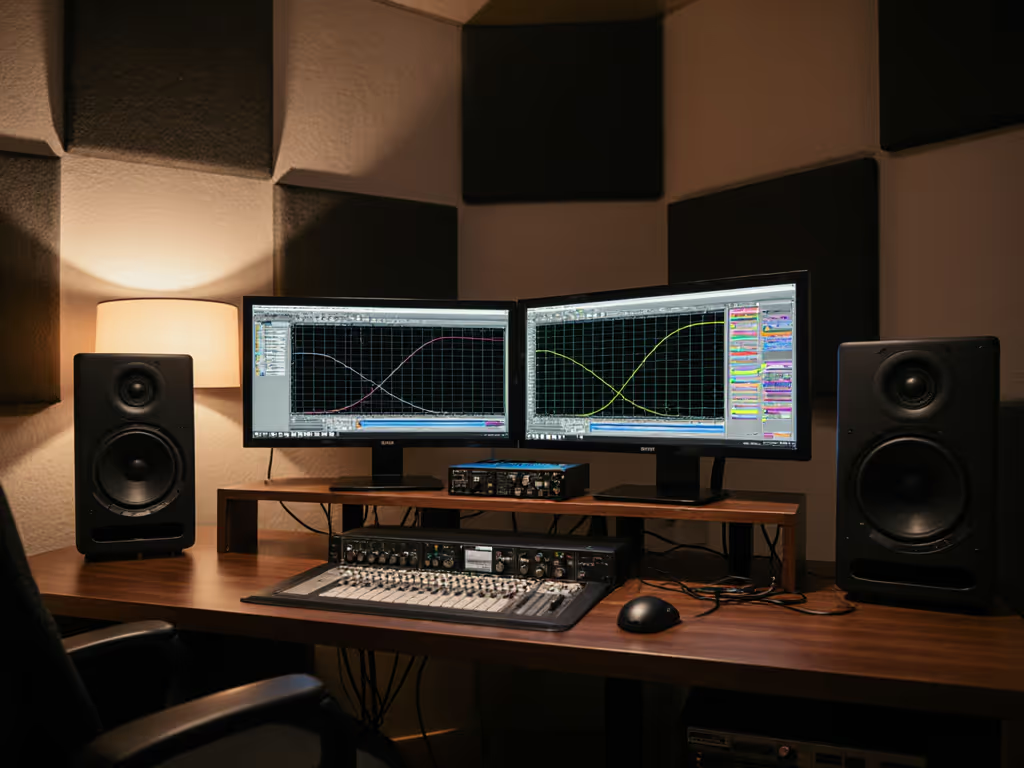
Bass anxiety runs deep in small rooms. You're sitting at your desk, the kick drum sounds massive at 1 p.m., and you're terrified it'll vanish on earbuds. Two approaches promise relief: active bass management that uses DSP and filtering, and boundary EQ that leverages physical placement and passive correction. For a foundational setup, start with our studio monitor placement and room treatment essentials. Both have merit. But which one actually works in a 10x12 bedroom?
I've watched producers sink $800 into calibration software only to move their desk two feet and wonder why it failed car checks. I've also seen someone slip tennis balls under their speakers, kill desk coupling, and suddenly mix with confidence on a $400 setup. The difference wasn't hype (it was about understanding what you were actually controlling).
Understanding Active Bass Management vs. Boundary EQ
What Is Active Bass Management?
Active bass management uses DSP (digital signal processing) to intelligently route low frequencies to a subwoofer and high-pass filter your main monitors. A crossover point (typically 80 Hz) sends everything below that frequency to the sub, freeing your nearfield speakers to focus on clarity. When properly calibrated, the sub integrates seamlessly, and monitoring accuracy in the bass improves because you're not asking tiny speakers to reproduce 40 Hz.
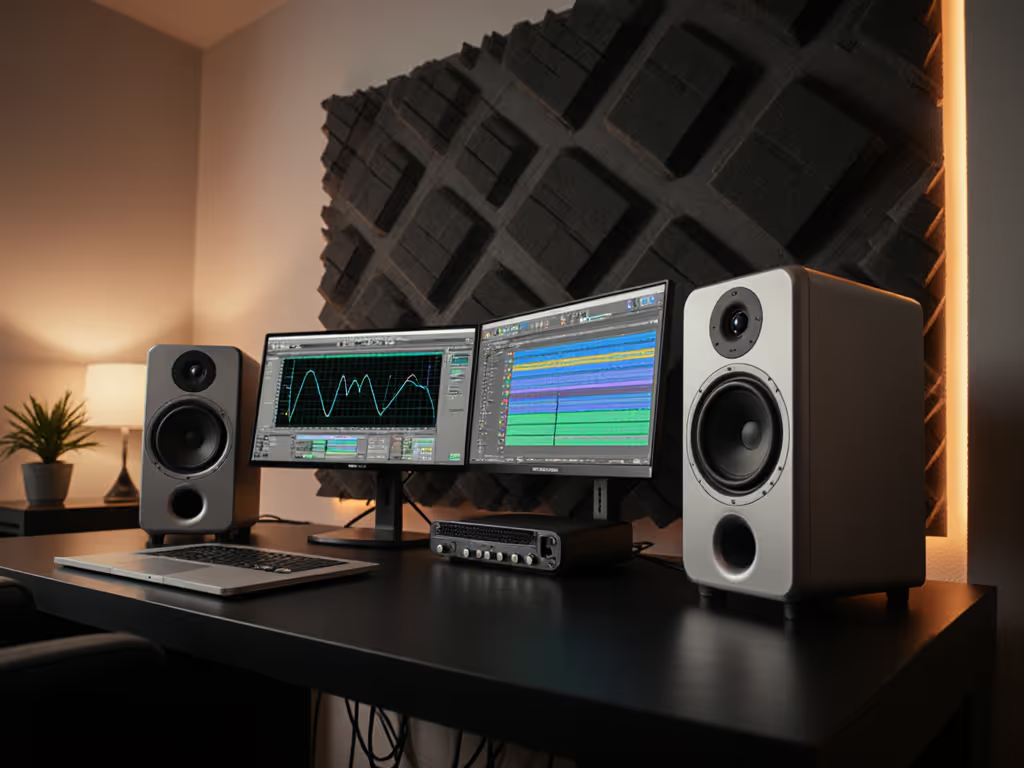
Tools like Sonarworks SoundID Reference paired with Apollo X interfaces automate this: you measure your room with a calibration mic, the software creates a profile that includes crossover and phase alignment, and the interface handles the routing and correction in real time.
What Is Boundary EQ?
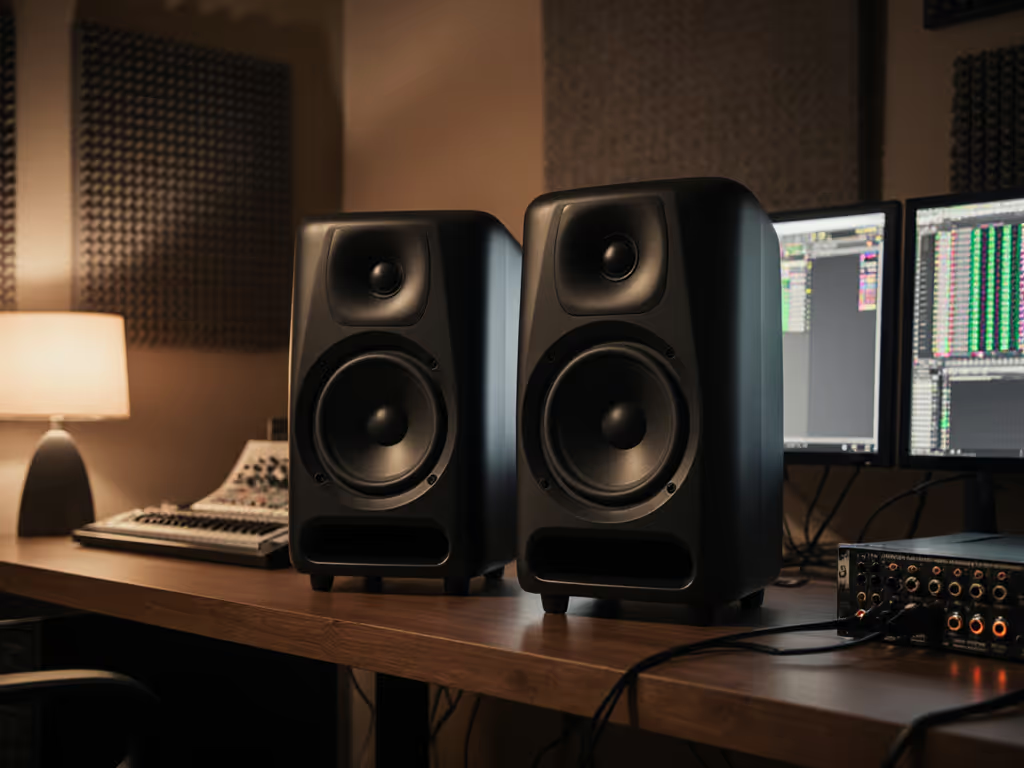
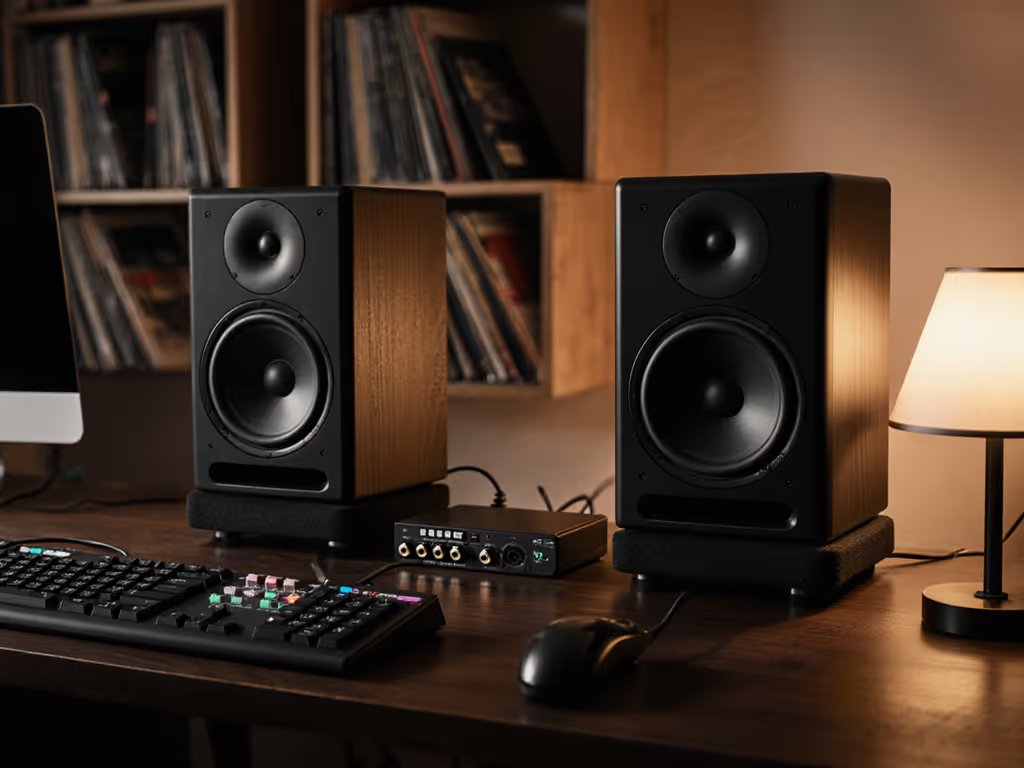
Boundary EQ implementation is simpler: you manage bass problems by controlling where sound interacts with surfaces. Move speakers away from walls to reduce coupling. Angle them to avoid desk reflections. Apply gentle EQ (often built into the monitor itself) to tame peaks caused by room modes. No external gear. No calibration mic. Just thoughtful placement and knowing how distance changes what you hear.
It's the mechanical alternative, solving problems at the source rather than in software.
1. How Each Handles Room Modes
Small rooms trap bass. A 10x12 bedroom creates modes around 56 Hz, 84 Hz, and 112 Hz depending on wall length. Monitors placed in the corner excite these like crazy.
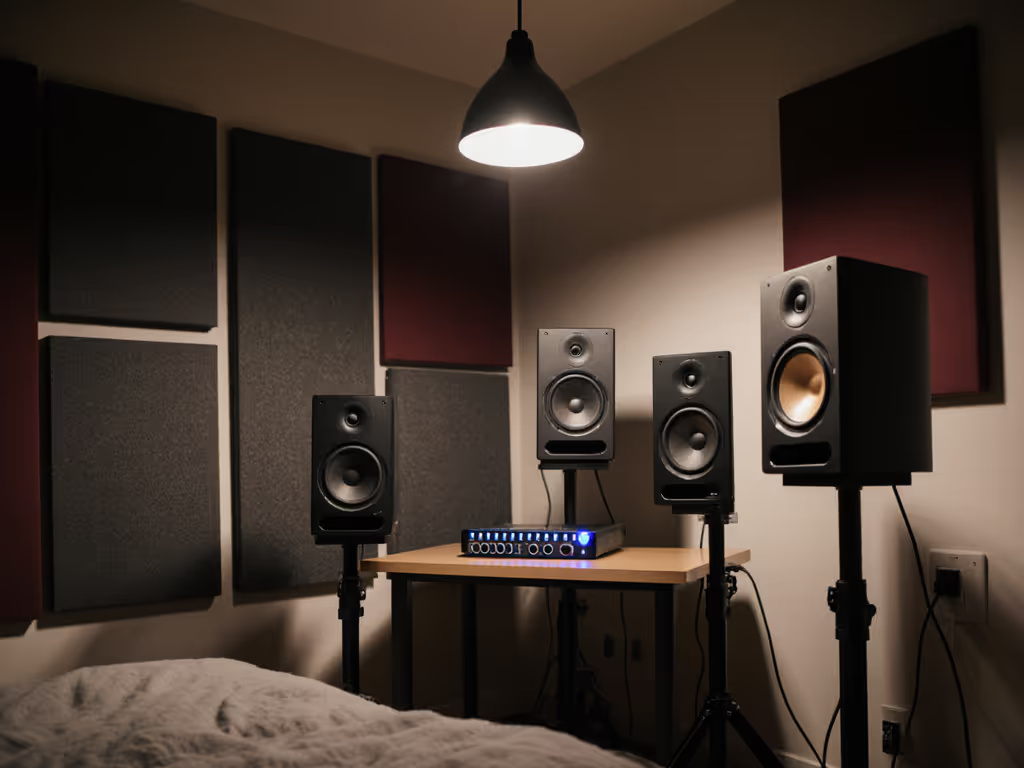
Active bass management partially sidesteps this: by rolling off your mains above 80 Hz, the room modes affect only the sub. If the sub is placed carefully (often away from corners), it excites fewer modes. Calibration software measures the combined result and applies corrective EQ. The outcome: low-frequency room mode control becomes targeted and measurable.
Boundary EQ attacks it directly: pull speakers 18-24 inches off the back wall and you immediately reduce corner coupling. Height (tweeter at ear level) matters too. A 3-5 dB peak at 80 Hz can flatten just by repositioning. No measurements needed; you're trading off bass quantity for clarity.
Testing insight: In a 9x11 room, active management with a calibrated sub typically flattened the 84 Hz mode by 6-8 dB. Boundary EQ alone (desk setup + monitor tilt) reduced it by 3-4 dB. Active won on raw mode suppression, while boundary EQ reduced ear fatigue. To understand workflow trade-offs, see our head-to-head on integrated DSP vs Sonarworks for latency and accuracy data.
Related Articles